- Published on
Who Owns My Website? How to Check in 10 Minutes
- Authors

- Name
- Calvin L. Harris
Most clients I build for don’t know where their domain, hosting and logins actually live, or that the bills should come to them. So it usually lands on me to track renewals and keep their account details. This post shows you how to take that back in about 10 minutes.
“Who owns my website?” sounds like a question with an obvious answer. You paid for it, so you own it. But when I take over a site from another designer, the first thing I check is whose name is on each piece, and it’s often not the business owner’s.
That usually isn’t sinister. A designer registers the domain on their own account because it’s quicker, the hosting bill goes to their card, and five years later they’ve moved on and nobody has the login. The fix is easy while everyone is still talking to each other, and much harder once they aren’t.
Here’s the 10-minute check I’d run on any small-business site. You don’t need technical skills, just your email inbox and a browser.
Who owns my website? The five things to check
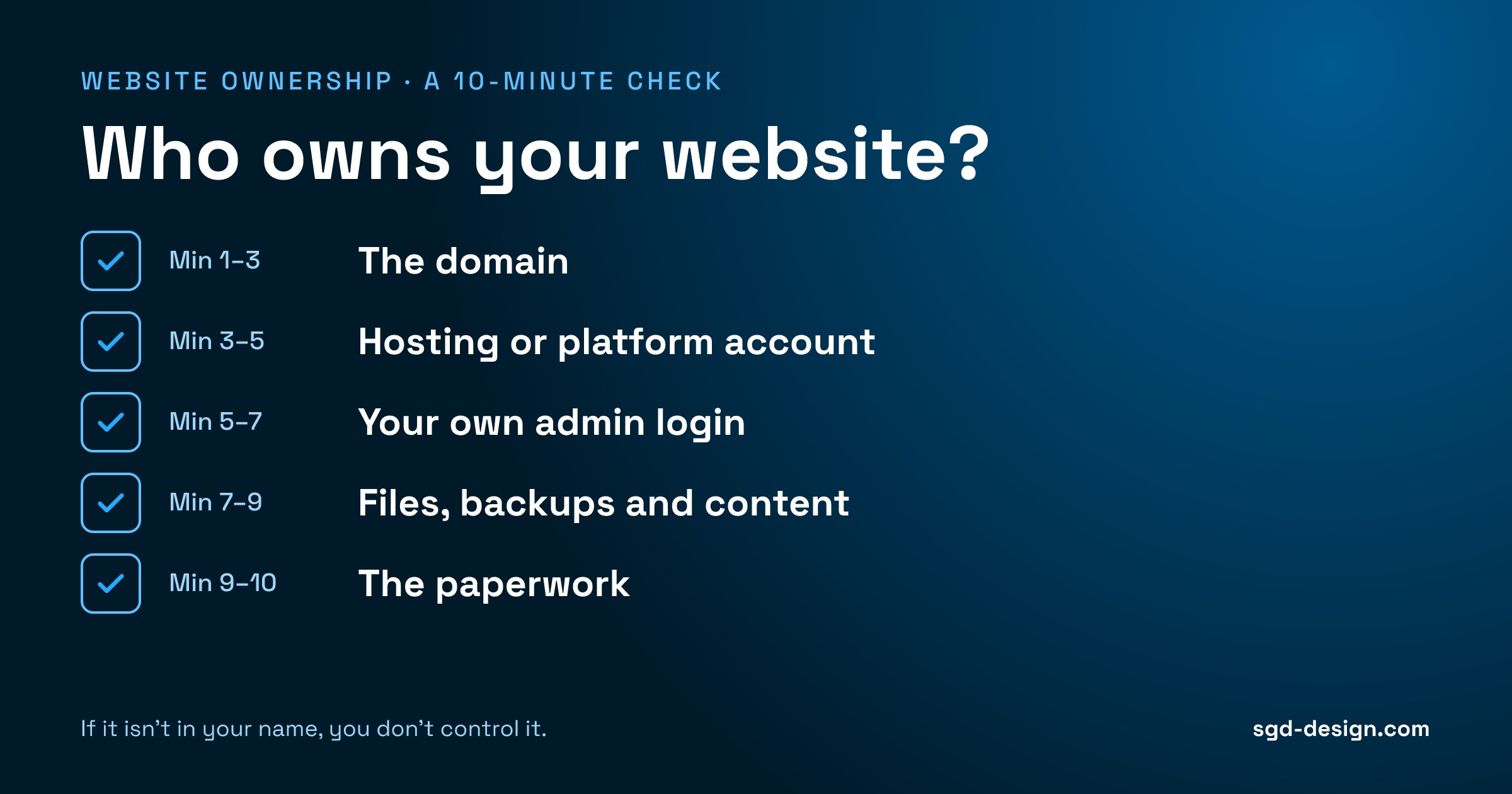
“Your website” is really five separate things, and each one can be in a different person’s name:
- The domain, your address on the web (yourbusiness.com).
- Hosting or the platform account, the place the site lives: a web host for WordPress, or your Shopify or Squarespace account.
- The admin login, the account that can change the site.
- The files, backups and content, the actual words, images and code.
- The paperwork, whatever you signed with whoever built it.
Take them in that order. The first two matter most, because whoever controls them can take the site offline.
Minutes 1–3: the domain
Go to ICANN Lookup, ICANN’s free tool for looking up “the current registration data for domain names”, and type in your domain. Note two things: the registrar (the company the domain is registered through, such as GoDaddy, Namecheap or Squarespace) and the expiry date.
Don’t expect to see your own name. Registrant details have been hidden for most domains since 2018 for privacy reasons. So the real test is the next step: can you log in to that registrar yourself? Search your inbox for the registrar’s name and for renewal notices. If you can log in, check that the registrant (the legal holder of the domain) is your business, and that the contact email is one you’ll still have in five years, not a designer’s or an ex-employee’s.
If the renewal notices go to someone else, that person controls your domain.
One rule to know before you change anything: under ICANN’s rules, changing the registrant’s name, organization or email can lock the domain against moving to another registrar for 60 days. If you plan to move the domain as well, ICANN suggests doing the transfer first and updating the details after.
Minutes 3–5: hosting or the platform account
Next, find out who holds the account where the site lives, and who gets the bill.
- Shopify: the store has one owner. Designers usually work as collaborators, where “the merchant controls which areas you can access”. If a designer built your store on their account, it has to be formally transferred to you, and you have to accept the transfer. Shopify’s help center also notes that test (“dev”) stores can’t be transferred at all, so a store meant for you should be built as a transfer store from the start.
- Squarespace: each site has one owner, and everyone else is a contributor. To hand a site over, the owner first invites the new owner as a contributor, and once they’ve accepted, transfers ownership from the site’s Permissions & Ownership panel. Squarespace domains attached to the site move with it. Two things don’t happen on their own: the billing information on file doesn’t change, so the new owner should add their own, and the old owner stays on the site until someone removes them.
- WordPress: the host is a separate company (SiteGround, WP Engine, Bluehost and so on). Check whose name is on the hosting account and whose card pays for it.
If you’re not sure which platform you’re on, or why it matters, I compare them in WordPress vs Shopify vs Squarespace.
Minutes 5–7: the admin login
Now log in to the site itself, with your own login, not one shared with your designer.
On WordPress, look under Users. You want at least one account in your name with the Administrator role, “somebody who has access to all the administration features within a single site”. On Shopify and Squarespace, check that you’re listed as the owner, not just a staff member or contributor.
While you’re there, look at who else has access. Old agencies, former staff and freelancers you hired once tend to stay on the list for years. Remove anyone who no longer needs to be there, and keep a note of what you changed.
Minutes 7–9: files, backups and content
Ask yourself: if the hosting account disappeared tomorrow, what would you have left?
- Backups: does a backup exist somewhere you can reach without your designer? Many hosts include them, but they live inside the hosting account, so they only help if you control that account.
- Content: your text, photos, logo files and product data. Keep your own copies of anything you’d need to rebuild.
- Custom code: a custom theme or plugin lives on the server. If you don’t have a copy, ask for one.
Minutes 9–10: the paperwork
Last, find whatever you signed. This part surprises people. In the US, paying someone to build something doesn’t automatically make you the copyright owner. According to the US Copyright Office, a commissioned work only counts as a “work made for hire” if it falls into one of nine specific categories and both sides have signed a written agreement saying so.
So check your contract for a line that transfers ownership of the design and code to you once you’ve paid. If there’s no contract, or it doesn’t say, it’s worth asking about. I’m not a lawyer, and this isn’t legal advice; if real money or a dispute is involved, talk to one.
If a past designer still holds something
Most of the time this is fixed with one friendly email. Ask in writing, be specific, and give a date:
- Domain: ask them to move it to a registrar account in your name, or to give you the transfer code (also called an auth code or EPP code). ICANN requires your registrar to give the registrant that code within five calendar days of asking, if there’s no self-serve option. Note that a registrar can refuse a move within 60 days of a domain being registered or transferred.
- Platform account: ask for an ownership transfer (Shopify, Squarespace) or for the hosting account to be moved into your name.
- Logins and files: ask for an Administrator account of your own and a full backup.
If they’ve gone quiet, contact the registrar or host directly. And if the domain is registered in the designer’s own name, that’s when the contract and a lawyer come in.
How I hand a site over
When I build or take over a site, everything runs on accounts the client owns. I work through collaborator or staff access, I document every change I make and which account it was made under, and credentials live in a password manager, never in notes or emails. (I go into how this works on Shopify in what a Shopify store really costs per month.)
That way, if we ever stop working together, there’s nothing to hand back. You already have it.
If you ran this check and something’s in someone else’s name, my website ownership check goes through each piece for you and can move it back into your name. You can also see how I work on WordPress sites on my WordPress services page.
Sources
- ICANN, ICANN Lookup, accessed November 18, 2026.
- ICANN, Transfer Policy (updated February 21, 2024), accessed November 18, 2026.
- ICANN, FAQs for Registrants: Transferring Your Domain Name, accessed November 18, 2026.
- Dynadot, WHOIS vs RDAP, May 18, 2026, accessed November 18, 2026.
- Shopify Help Center, Transferring store ownership, accessed November 18, 2026.
- Squarespace Help Center, Change the site owner, accessed November 21, 2026.
- Squarespace Help Center, Set up and manage a site as a new owner, accessed November 21, 2026.
- WordPress.org, Roles and Capabilities, updated September 2, 2026, accessed November 18, 2026.
- US Copyright Office, Circular 30: Works Made for Hire (revised August 2024), accessed November 18, 2026.